Indian Digital & Printed
Passport Photo Requirements
(2026 Guide)

Official photo rules for Indian passport, Passport Seva digital upload, printed passport photos and OCI card photos. Follow the correct size, format, background and quality standards to avoid delays or rejection.
📅 Updated: May 2026 12 min read India Passport & OCI Photo Rules
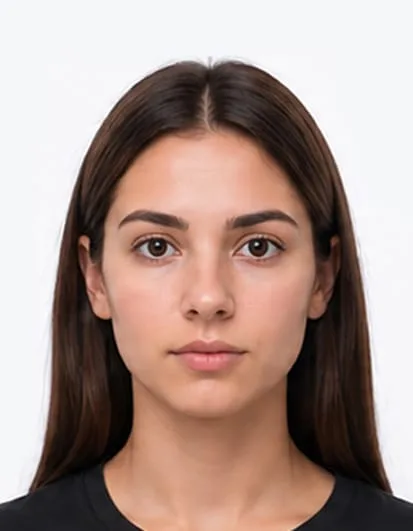
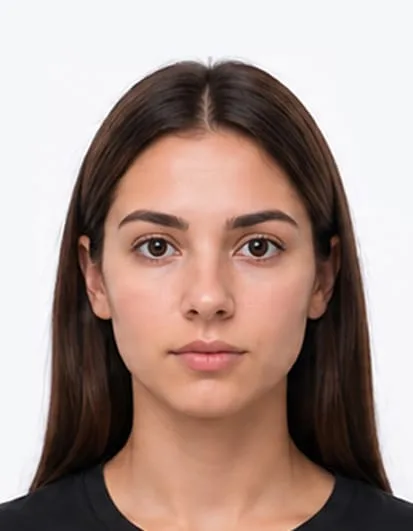
630 x 810 px
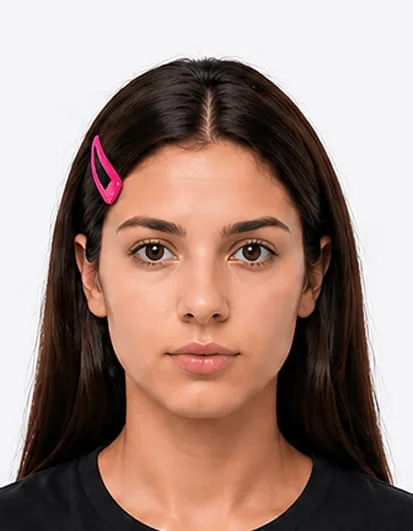
Indian passport photo example showing 630 x 810 pixel digital size
810 px
630 px
Face covers
about 80%
of photo area
i

Indian passport, OCI and overseas application photos can have different size requirements depending on the application route. Even small mistakes can cause delays or rejection. Use this guide to get it right the first time.

1. Digital Photo Size and Dimensions

Your Indian Passport Seva digital photo should be resized to 630 x 810 pixels, saved as a JPEG (.jpg) file and kept under 250 KB. The face should cover about 80% of the photo area, with eyes open, ears visible, forehead visible and no shadows or filters.

Key facts
Size: 630 x 810 pixels
Aspect ratio: Portrait rectangle
Format: JPEG (.jpg or .jpeg)
File size: Less than 250 KB
Face area: Around 80% of the photo
Background: Light-coloured or white, no shadows
Clothing: Dark clothes recommended
No editing: No filters or digital alterations

2. Printed Photo Size and Dimensions

Indian printed passport photo size depends on where you apply. For many overseas Indian passport, VFS, BLS or embassy applications, the photo is 2 x 2 inches (51mm x 51mm). For some Passport India form-based applications, the official size is 3.5 cm x 4.5 cm. Always follow the instructions shown for your application route.

Key facts
Overseas size: 2 x 2 inches (51mm x 51mm)
Passport India form size: 3.5cm x 4.5cm
Paper: Good-quality photo paper
Background: Plain white, off-white or light-coloured
Quality: Clear, colour, no marks, creases or damage

3. OCI and Overseas Indian Passport Photo Size

OCI card photos and many overseas Indian passport applications use a 2 x 2 inch photo, also written as 51mm x 51mm. The photo should be square, in colour, front-facing and taken against a plain light-coloured background.
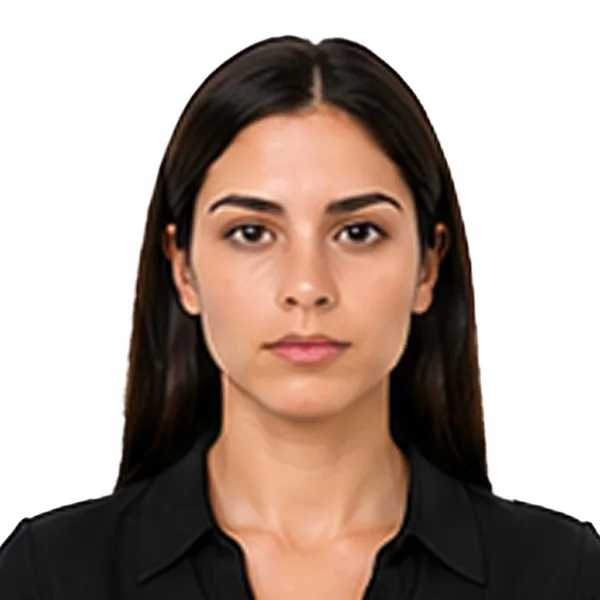
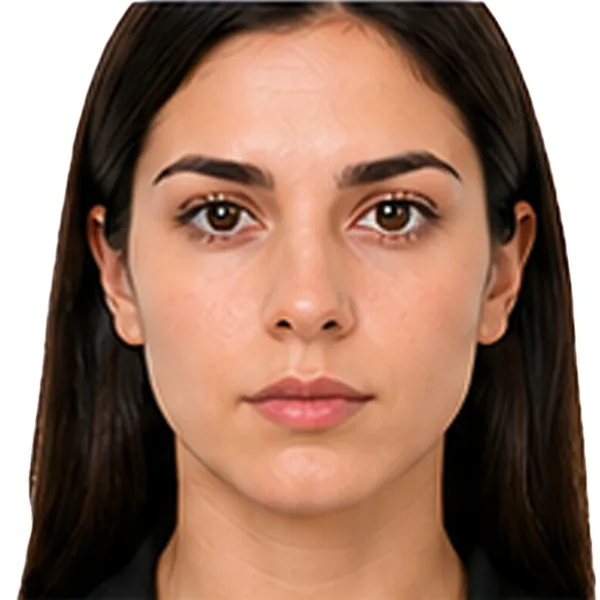
correct OCI photo example 2 x 2 inches with centred face and plain background
Correct
OCI photo rejected because the face is too close to the camera
×
Too close
OCI photo rejected because the face is too far from the camera
×
Too far away

4. Head Size and Position

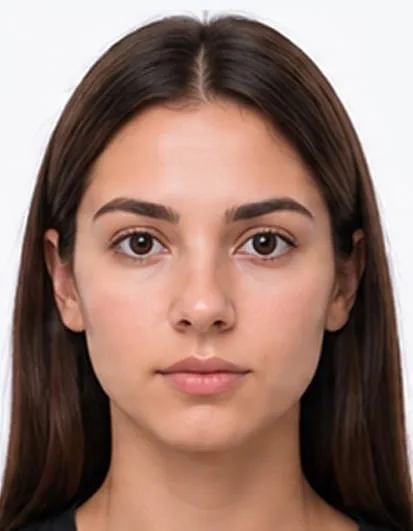
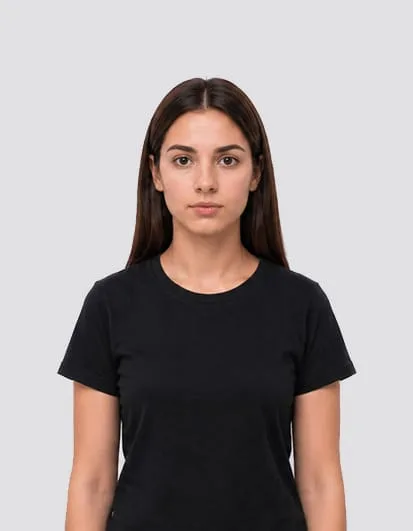
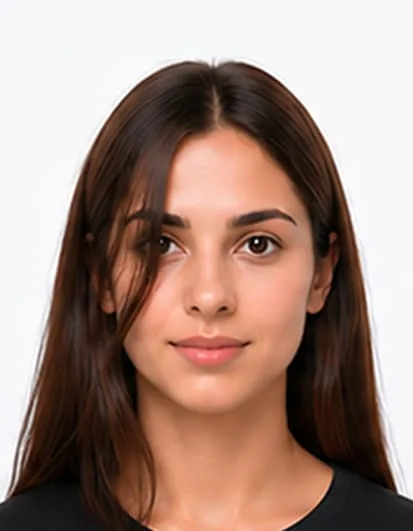
For Indian Passport Seva digital photos, the face should cover about 80% of the photo area. For OCI and many 2 x 2 inch overseas Indian passport photos, the head height should measure about 1 inch to 1 3/8 inches (25mm to 35mm). Your head must be straight, centred and facing the camera directly.

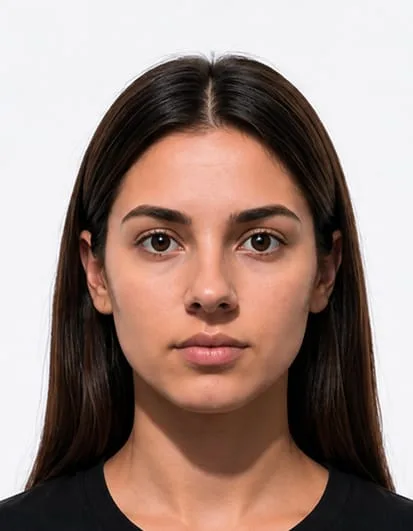
Correct Indian passport photo with proper head size and centred face
Correct
Indian passport photo rejected because the face is too close to the camera
×
Too close
Indian passport photo rejected because the face is too far from the camera
×
Too far away

5. Facial Expression

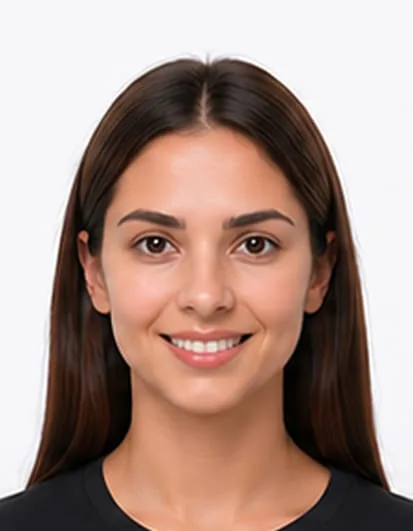
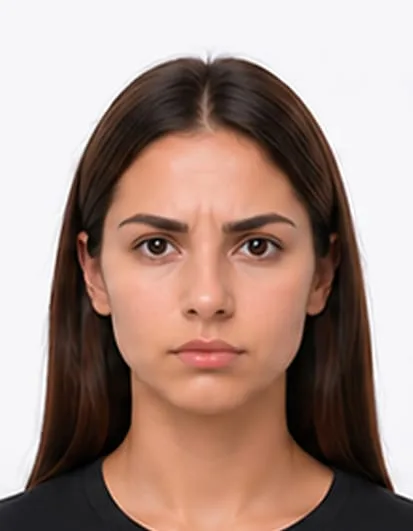
Use a natural expression with your mouth closed. Do not smile, frown, raise your eyebrows or open your mouth. Your face should be clearly visible and looking directly at the camera.

Correct Indian passport photo with proper head size and centred face
Correct
Indian passport photo rejected because the person is smiling
×
Smiling
Indian passport photo rejected because the person is frowning
×
Frowning

6. Eyes and Glasses

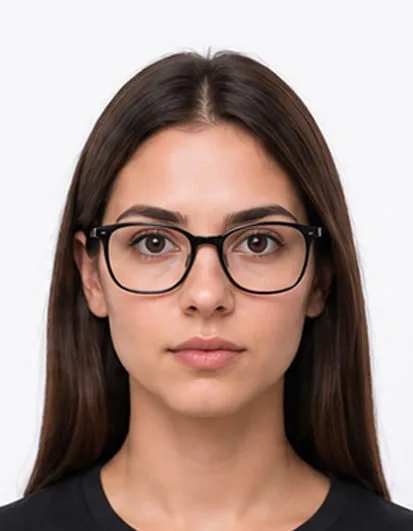
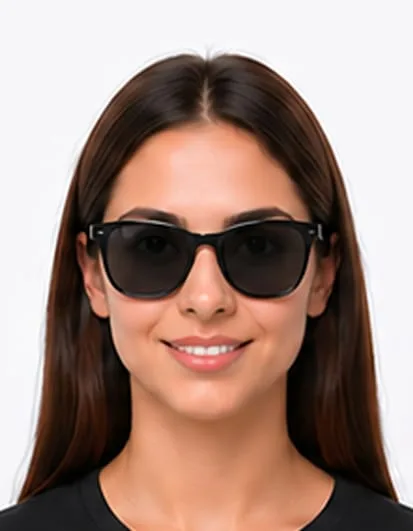
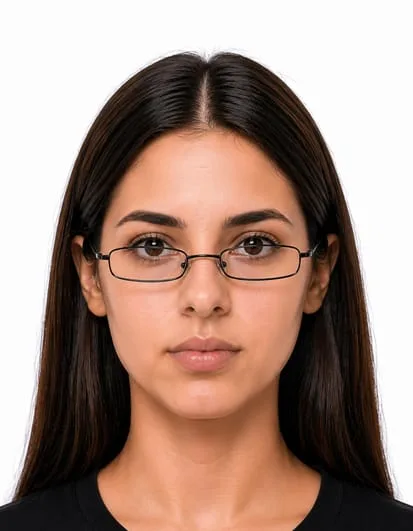
Your eyes must be open, level and clearly visible. Avoid glasses if possible, because glare, reflections, tinted lenses or frames covering the eyes can cause rejection. Hair must not cover the eyes.

Correct Indian passport photo with proper head size and centred face
Correct
Correct Indian passport photo with clear glasses and eyes visible
Correct
Indian passport photo rejected because the person is wearing sunglasses
×
Sunglasses
Indian passport photo rejected because glasses cover the eye level
×
Glasses covering eyes

7. Hair and Head Coverings

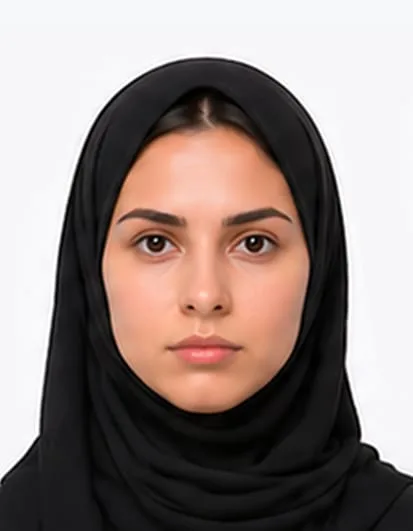
Your full face must be visible from the bottom of the chin to the top of the forehead. Hair must not cover the eyes or forehead. Head coverings are normally not allowed except for religious reasons, but both edges of the face must remain clearly visible.

Correct Indian passport photo with religious scarf and full face visible
Correct
Indian passport photo rejected because hair is covering the eyes
×
Hair covering eyes
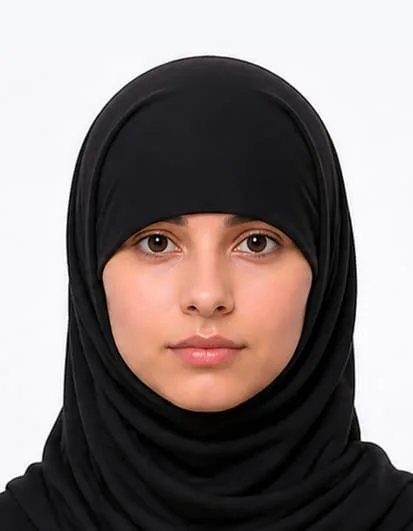
Indian passport photo rejected because a scarf covers part of the face
×
Face covered

8. Clothing and Accessories

Wear normal clothing, preferably dark-coloured clothing for Passport India photo submissions. Avoid uniforms, large accessories, headphones, scarves covering the face or anything that hides your facial features.

Correct Indian passport photo with proper head size and centred face
Correct
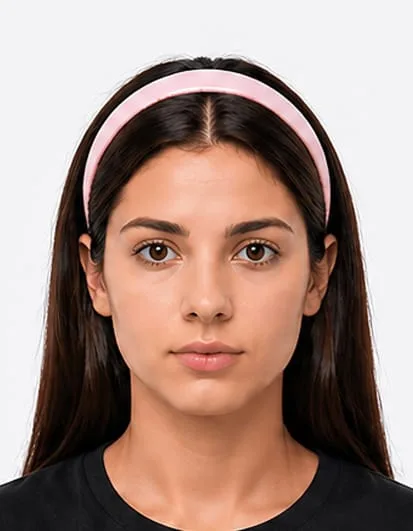
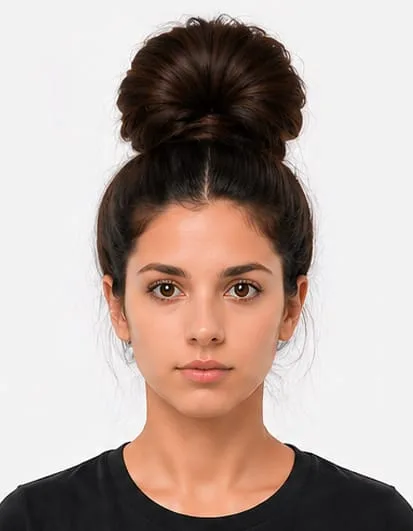
Indian passport photo rejected because a hairband covers part of the head
×
Hairband
Indian passport photo rejected because a hair clip is visible
×
Large accessories
Indian passport photo rejected because too much hair appears above the head
×
Too much hair above

9. Background and Lighting

Use a plain white, off-white or light-coloured background depending on your application route. There must be no shadows on your face or behind you. The photo should be evenly lit, sharp, natural-looking and free from red-eye.

Correct Indian passport photo with proper head size and centred face
Correct
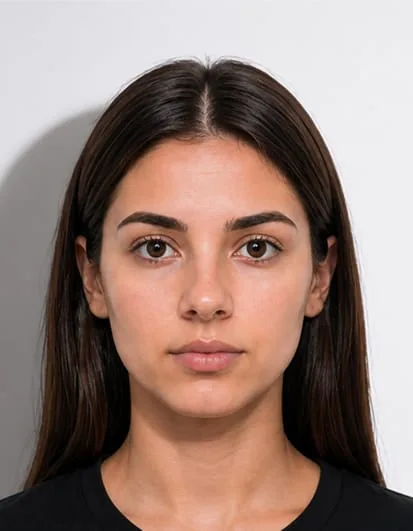
Indian passport photo rejected because the face is poorly lit
×
Face shadow
Indian passport photo rejected because of a shadow on the background
×
Background shadow

10. Babies and Children

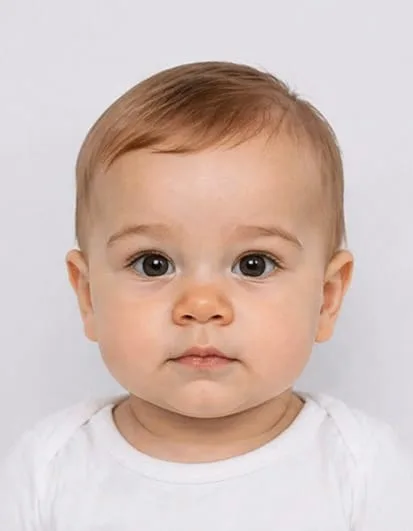
Children should be photographed alone, with no toys, chair backs, hands or other people visible. For OCI-style photo guidance, babies under one year do not need to have their eyes open but the photo should still be clear, front-facing and show the child alone.

Correct Indian baby passport photo with baby alone and plain background
Correct
Indian baby passport photo rejected because a toy is visible in the photo
×
Toy visible
Indian baby passport photo rejected because there is a shadow on the background
×
Background shadow

11. Common Mistakes

These are the most common mistakes that can cause Indian passport or OCI photo rejection, including wrong dimensions, poor lighting, shadows, incorrect head position, covered eyes, visible glare, heavy editing or low image quality.

Indian passport photo rejected because the face is poorly lit
×
Face shadow
Indian passport photo rejected because glasses cover the eye level
×
Glasses covering eyes
Indian passport photo rejected because of a shadow on the background
×
Background shadow
Indian passport photo rejected because the person is smiling
×
Smiling
Head not centered
×
Head not centered
Low quality or blurry
×
Low quality / blurry

Sources checked for this guide

This guide was prepared using official Indian Passport Seva, Passport India and OCI photo guidance. Requirements can vary depending on your application route, so always check the instructions shown during your application.

12. FAQs

What is the digital photo size for Indian Passport Seva?

The Indian Passport Seva digital upload photo should be 630 x 810 pixels, saved as a JPEG file and kept under 250 KB.

What is the printed Indian passport photo size?

Indian printed passport photo size depends on where you apply. Many overseas Indian passport, VFS, BLS or embassy applications use 2 x 2 inches or 51 x 51 mm. Some Passport India form-based applications use 3.5 cm x 4.5 cm.

What is the OCI photo size?

The official OCI photo size is 2 x 2 inches, also written as 51 x 51 mm. The photo must be square, in colour, front-facing and taken against a plain light-coloured background.
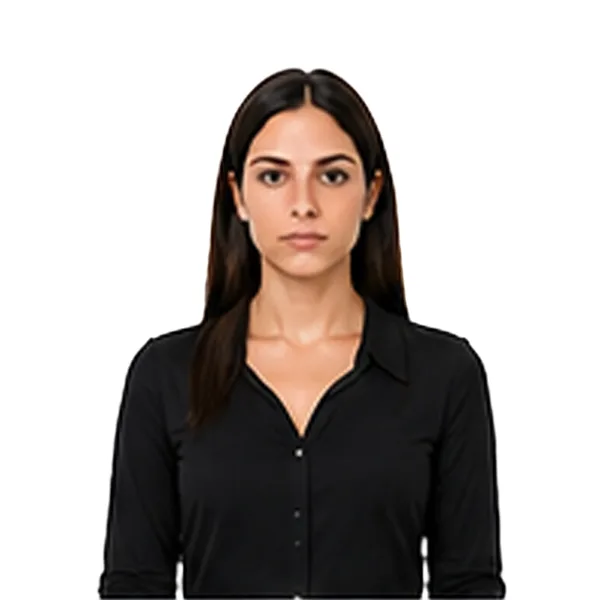
Is 35 x 45 mm valid for an Indian passport photo?

Yes, for some Passport India form-based applications. The official size may be written as 3.5 cm x 4.5 cm, which is the same as 35 x 45 mm. Passport Seva digital uploads use 630 x 810 pixels, which has the same portrait ratio.

Can I smile in an Indian passport photo?

Use a natural expression with your mouth closed. Do not smile, frown, raise your eyebrows or open your mouth. Your face should look directly at the camera.

Can I wear glasses in an Indian passport or OCI photo?

It is best to remove glasses. Glare, reflections, tinted lenses or frames covering your eyes can cause rejection. Your eyes must be open and clearly visible.

What background should I use for an Indian passport photo?

Use a plain white, off-white or light-coloured background depending on your application route. Avoid shadows, textured walls, patterns, objects and background distractions.

Can babies have their eyes closed in an OCI photo?

Yes. OCI photo guidance allows babies under one year old to have their eyes closed, but the photo should still be clear, front-facing and show the child alone.
Can I take an Indian passport photo at home?

Yes, you can take an Indian passport or OCI photo at home, but it must match the correct size, background, lighting and face-position rules for your application route. You can use Foxly Passport Photo Maker to prepare your photo.

What happens if my Indian passport photo is rejected?

Your application may be delayed and you may need to submit a new photo. Common reasons include wrong dimensions, shadows, poor lighting, face too close or too far, covered eyes, glare, low quality or heavy editing.

Is Foxly Passport Photo Maker app free to use?

You can use the app for free to take your photo. It costs £5 to receive your final digital image by email, prepared for your selected passport, visa or ID photo requirement.

Do you offer printed Indian passport or OCI photos?

Yes, you can also order printed passport or OCI photos. Printed photos cost £5 plus delivery and are delivered within the UK and Ireland only.

Still not sure?

Download our app to prepare your Indian passport, OCI or visa photo in seconds.
Indian passport photo prepared on phone with Foxly Passport Photo Maker

Explore Passport Photo Guides

Requirements differ by country. Choose your country to get the correct guidelines.