UK Visa Passport
Photos Online

Digital and Printed Passport-Style Photos for Visa Applications

Need a digital or printed passport-style photo for a UK visa, immigration or permission application? Foxly Passport Photo lets you submit a photograph from your phone for manual checking and preparation. Choose a digital image by email, six printed 35 × 45 mm photos by post, or both, whenever your application instructions allow you to provide a separate photograph.

Open Web App
Digital delivery worldwidePrinted delivery in the UK & Ireland
Clear Oyster photocard photo online for a London travel photocard application or replacement.
Digital visa and immigration photo
Clear Oyster photocard photo online for a London travel photocard application or replacement.

6 printed 35 × 45 mm passport-style photos

Available by post in the UK and Ireland

How to Get Your UK Visa Photo Online

When your visa or immigration application asks you to upload a separate digital photograph, you can take the picture at home and submit it through the Foxly Passport Photo web app . You can also use the Foxly Passport Photo mobile app from the Google Play Store or App Store .

Passport and visa photos prepared online: Foxly Passport Photo prepares digital and printed passport-style photos for UK visa, immigration, passport and other identification applications. Submit your photo online and choose a digital image delivered by email, 6 printed 35 × 45 mm photos sent by post or both. Every submitted image is manually checked for clarity, lighting, face position and the selected photo requirements before delivery.
1

Take and Submit Your Photo

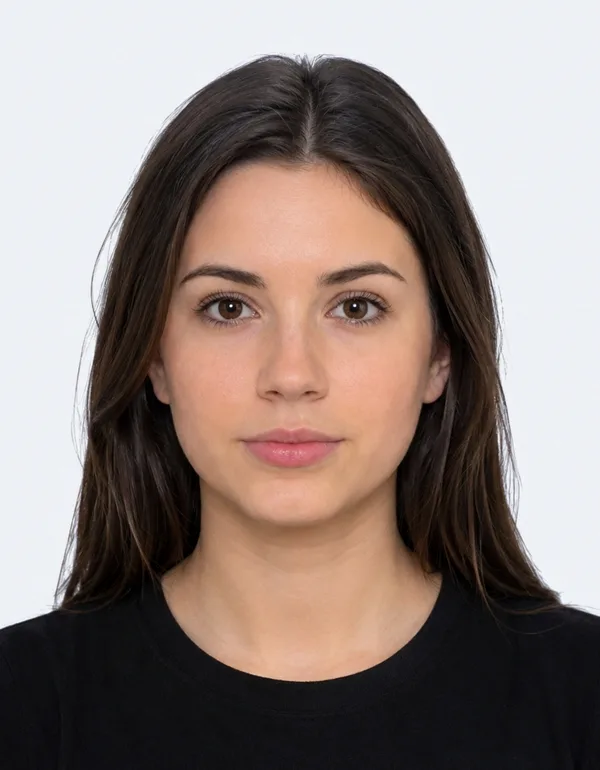
Ask another person to take a recent photograph of you with a phone, tablet or digital camera. Use a plain, light-coloured background, keep your head straight and look directly towards the camera. Submit the original photograph without filters, screenshots or beauty effects.

2

We Review and Prepare It

The Foxly Passport Photo team checks image clarity, lighting, portrait orientation, face visibility and the selected file specification. We do not apply beauty filters or change your facial features. Your appearance remains clear and recognisable.

3

Receive Digital or Printed Photos

Choose a digital image delivered by email, 6 printed 35 × 45 mm passport-style photographs sent by post, or both. Use the digital image only when your application permits a separate photo upload. Use printed photographs only when your application, embassy or supporting document instructions request them.

Check How Your Identity Will Be Verified

UK visa and immigration applications do not all use the same photo process. Your application will tell you which method you must use. Foxly Passport Photo is suitable when you are permitted to provide a separately prepared digital or printed photograph.

Photo upload

Separate Digital Photograph

Use a Foxly Passport Photo digital image when your application specifically asks you to select and upload a portrait photograph from your device. Follow the file format, dimensions and appearance requirements shown within your application.

Official application

UK Immigration ID Check App

When your application directs you to the official UK Immigration: ID Check app, you must take the live photograph inside the app. A digital image previously delivered by email cannot replace the photograph taken during the official identity check.

Biometric process

Visa or UKVCAS Appointment

When you are directed to a Visa Application Centre or UKVCAS service point, staff will take your biometric photograph. Foxly Passport Photo cannot replace the photograph or fingerprints collected during that appointment.

UK Visa Digital Photo Requirements

When UK Visas and Immigration allows or requests a separately uploaded digital photograph, the image must be clear, recent and suitable for identity verification. Follow any additional requirements displayed within your specific application.

1

Minimum Dimensions

The digital photograph must be at least 600 pixels wide and 750 pixels tall.

2

File Size and Format

The file must be a JPG or JPEG and must be between 50 KB and 6 MB.

3

Portrait Orientation

Use a vertically orientated photograph. It must not be mirrored, flipped, stretched or distorted.

4

Plain Light Background

Use a plain, light-coloured background with no objects, patterns or other people behind you.

5

Clear Face and Expression

Face the camera directly with your eyes visible, mouth closed and a plain expression.

6

Clear and Unaltered

The photograph must be in colour, in sharp focus and free from filters, red eye or facial alterations.

The photograph must be a current image of you: do not upload a scan of a printed photograph, a picture of your passport or identity document, or the same photograph already used in your passport or identity card.

Digital and Printed Visa Photo Options

Select the delivery option that matches the instructions for your visa, immigration, embassy or supporting document application.

Digital

Digital Photo by Email

Receive a prepared digital portrait by email for an application that allows you to upload a separate photograph. Digital delivery from Foxly Passport Photo is available worldwide.

Printed

6 Printed 35 × 45 mm Photos

Receive 6 printed passport-style photographs by post in the UK and Ireland. Use them only when your application, embassy or supporting documents request physical photographs of this size.

Digital and printed

Both Delivery Formats

Choose both formats when you need a digital file for an online application and six physical passport-style photographs for a separate application or supporting documentation.

Why Use Foxly Passport Photo?

Foxly Passport Photo provides an accessible online passport and ID photo service when you need a separately prepared digital or printed image without visiting a photo booth or photography studio.

Manual Photo Review

The Foxly Passport Photo team checks every submitted image for clarity, lighting, orientation, background, face visibility and the selected photo specification before delivery.

Digital and Printed Delivery

Choose a digital photograph by email, six printed passport-style photographs by post, or both. Printed delivery is available in the UK and Ireland, while digital delivery is available worldwide.

Help With Your Photo Order

Contact the Foxly Passport Photo team if you have a question about your submitted photograph, selected delivery option or completed order. Visit the Foxly Passport Photo contact page for support.

UK Visa and Immigration Photo Questions

Does every UK visa application need an uploaded photo?

No. Some application routes request or allow a separate digital photo upload. Other applicants must take a live photograph using the UK Immigration: ID Check app or attend a biometric appointment where staff take the photograph.

Does a UK visa photo need to be 35 × 45 mm?

Not for every application. UKVI guidance for separately uploaded digital photographs uses pixel dimensions, file format and file size requirements. Use printed 35 × 45 mm photographs only when your specific application, embassy or supporting document instructions request them.

Can I take my UK visa photo with my phone?

Yes, when your application asks for a separate uploaded photograph. Ask another person to take the photograph where possible, use even lighting and stand against a plain, light-coloured background.

Can I use the photograph from my passport?

No. A separately uploaded UKVI digital photograph should be a current image of you and should not be the same photograph already used in your passport or identity card.

Can I wear glasses in a UK visa photo?

Avoid wearing glasses unless you need to wear them. If they are necessary, your eyes must remain clearly visible and the lenses or frames must not create glare, reflections or shadows.

Can I wear a head covering?

A head covering is normally permitted for religious or medical reasons. Your facial features must remain fully visible.

What are the photo rules for babies and children?

Children must appear alone in the photograph. Babies should not hold toys or use a dummy. Children under six do not have to look directly at the camera or keep a plain expression, and babies under one do not have to keep their eyes open.

Does Foxly Passport Photo submit my visa application?

No. Foxly Passport Photo provides passport and ID photo preparation and delivery only. Foxly Passport Photo does not submit visa applications, provide immigration advice or guarantee the outcome of an application.

Submit your photograph using the Foxly Passport Photo web app .